
Pak365 Game login takes a phone number and a password. If you are new, registration asks for the same two details plus an age confirmation. This guide walks through both forms.
How to register on Pak365 Game
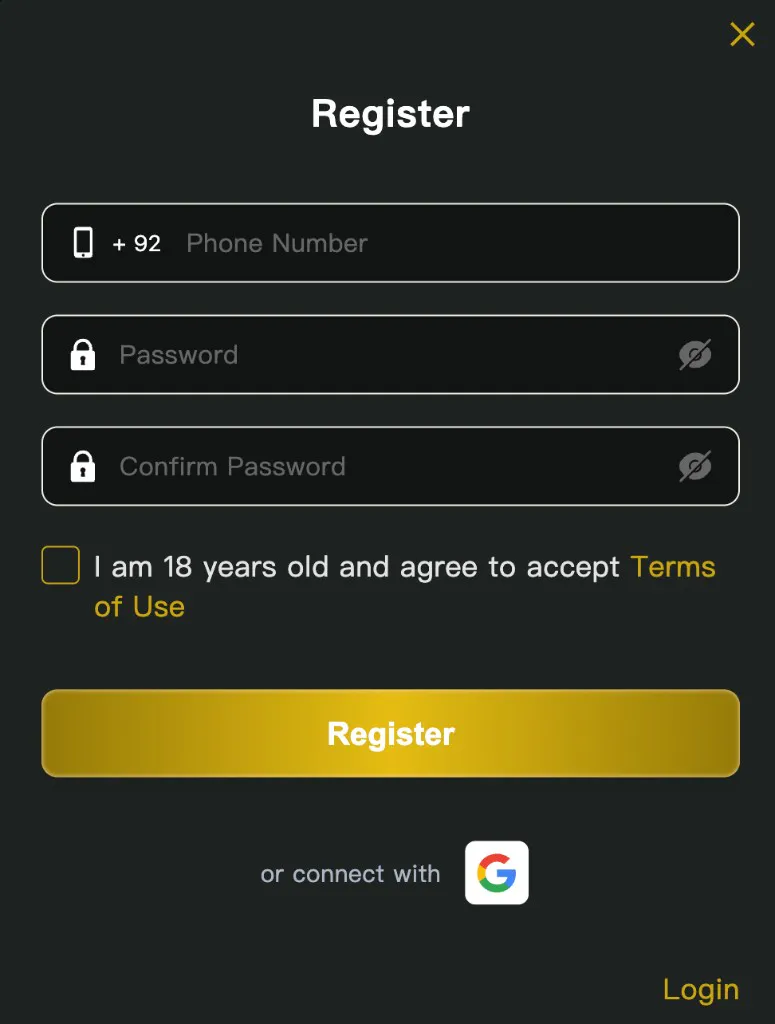
- Open Pak365 Game in the app or a browser and tap Register.
- Type your mobile number in the Phone Number field. The +92 country code is already filled in.
- Create a password, then type it again in Confirm Password.
- Tick the box that says you are 18 years old and accept the Terms of Use.
- Tap Register.
Register with a Google account
Below the Register button there is an option to connect with Google. Use it if you would rather sign in with your Google account than create a new password.
How to log in to Pak365 Game
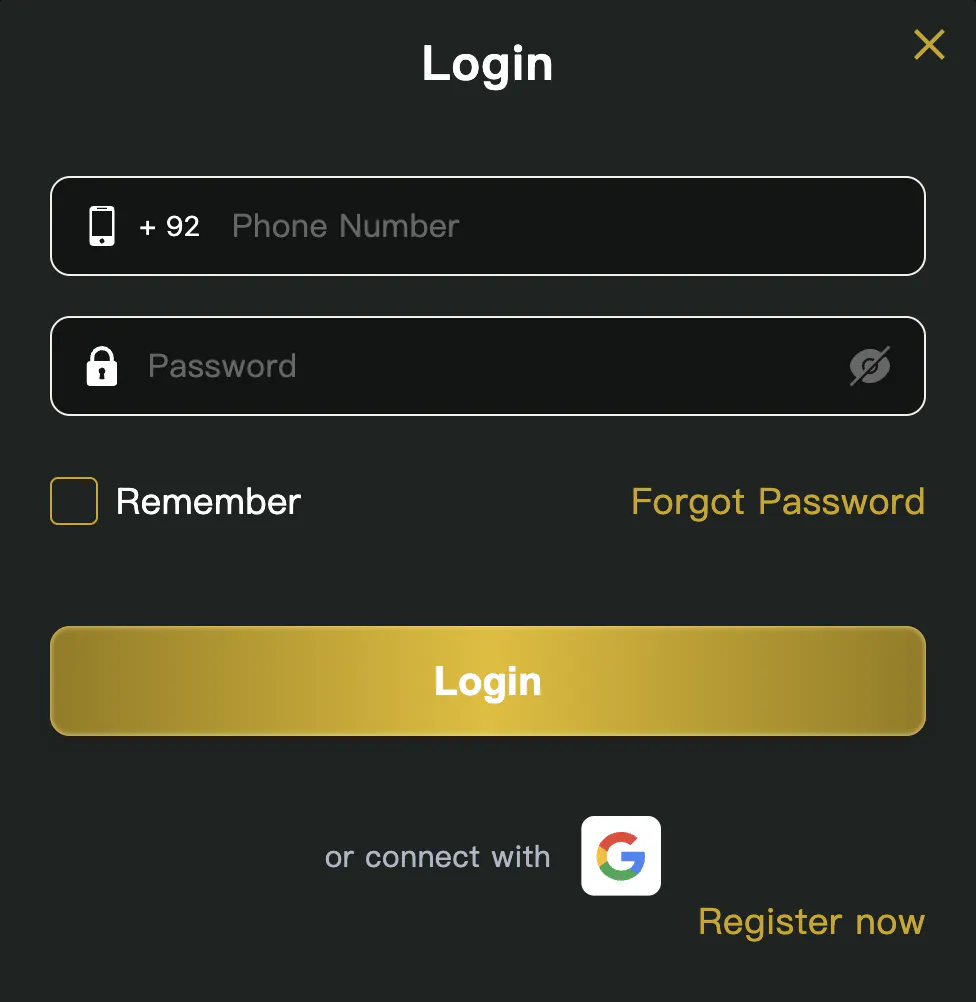
- Tap Login at the top of the page.
- Enter the phone number you registered with.
- Enter your password.
- Tick Remember if you are on your own phone and want the details saved.
- Tap Login.
Forgot your Pak365 Game password
Tap Forgot Password on the login form and follow the steps to set a new one. Keep the phone with your registered number nearby in case a verification code is sent to it.
Keep your Pak365 Game account safe
- Use a password that you do not use anywhere else.
- Do not share your password or any code sent to your phone.
- Leave Remember unticked on a shared device.
- Open the game from the app or a link you trust, not from links in messages.
After you log in
With your account open, the next step is to deposit on Pak365 Game. Look at the Pak365 Game bonuses first, because the first deposit bonus is chosen on the deposit form. If you have not installed the app yet, see how to download Pak365 Game.